Tip
To take advantage of the platform's capabilities, we suggest testing multiple creative and text variations for each offer.
That's how you will have more opportunities to know the platform better and to have better results by the end.
List of Experiments
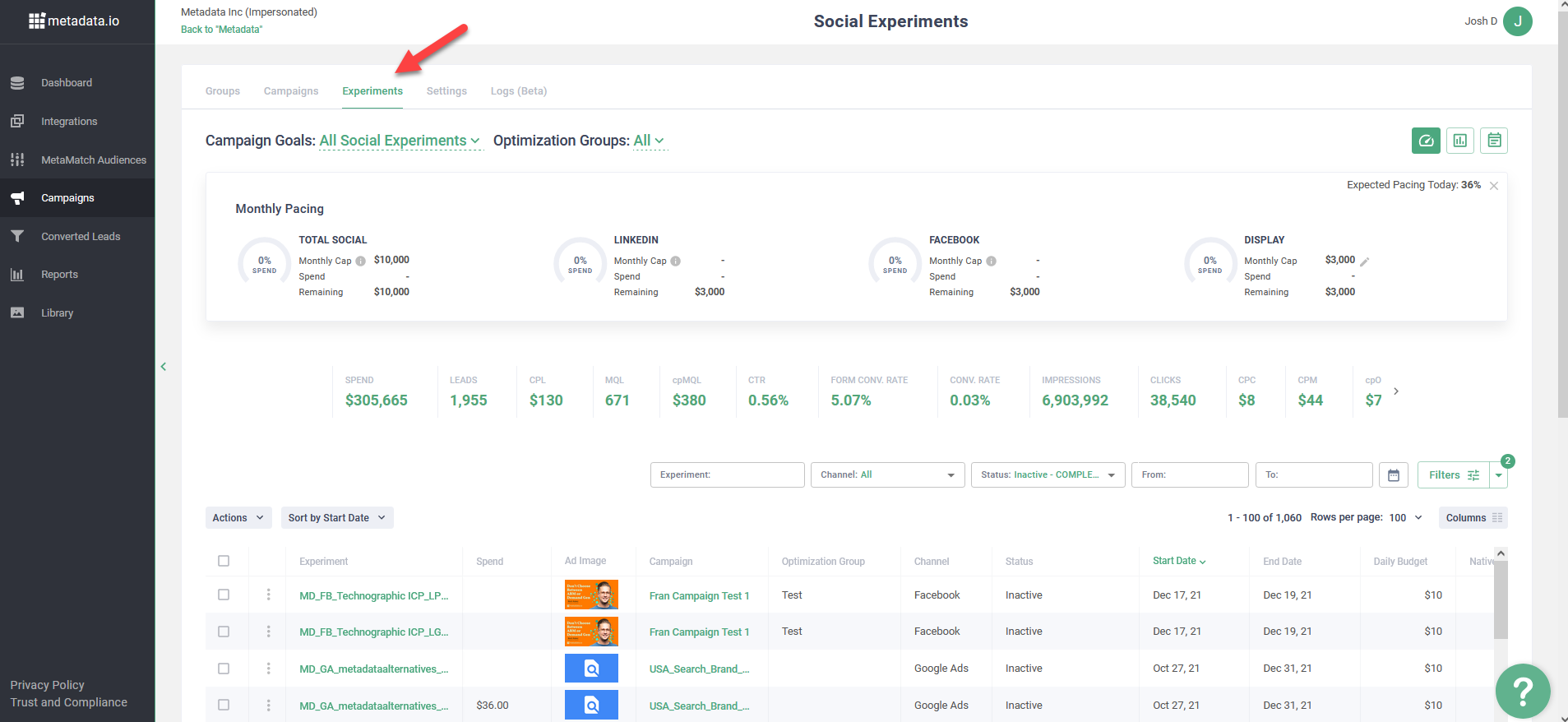
Navigate to Campaigns → Click on the Experiments tab.
Here you can view the table of all Active/Inactive Experiments that were previously created via Campaigns.
Sort, Filter, Search
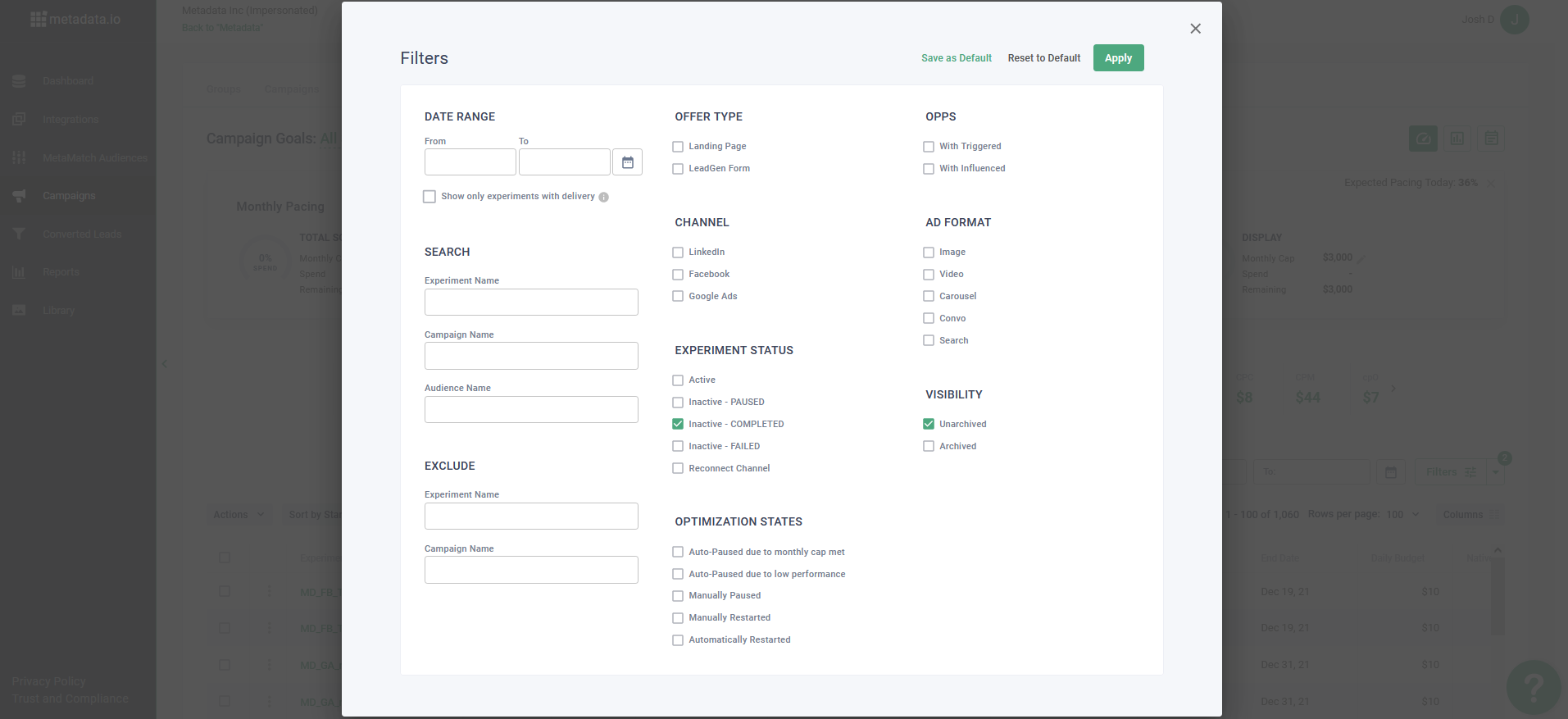
You can manage your experience with Experiments via all types of filters and sorting available in the header.
- Search by Experiment or a Campaign, or Audience, or Campaign Goal;
- Filter by Status, the channel of launch, used Offer types, triggered opportunities, manage view by dates;
- Sort by any available column.
- Press "F" to open Filters.
Statistics
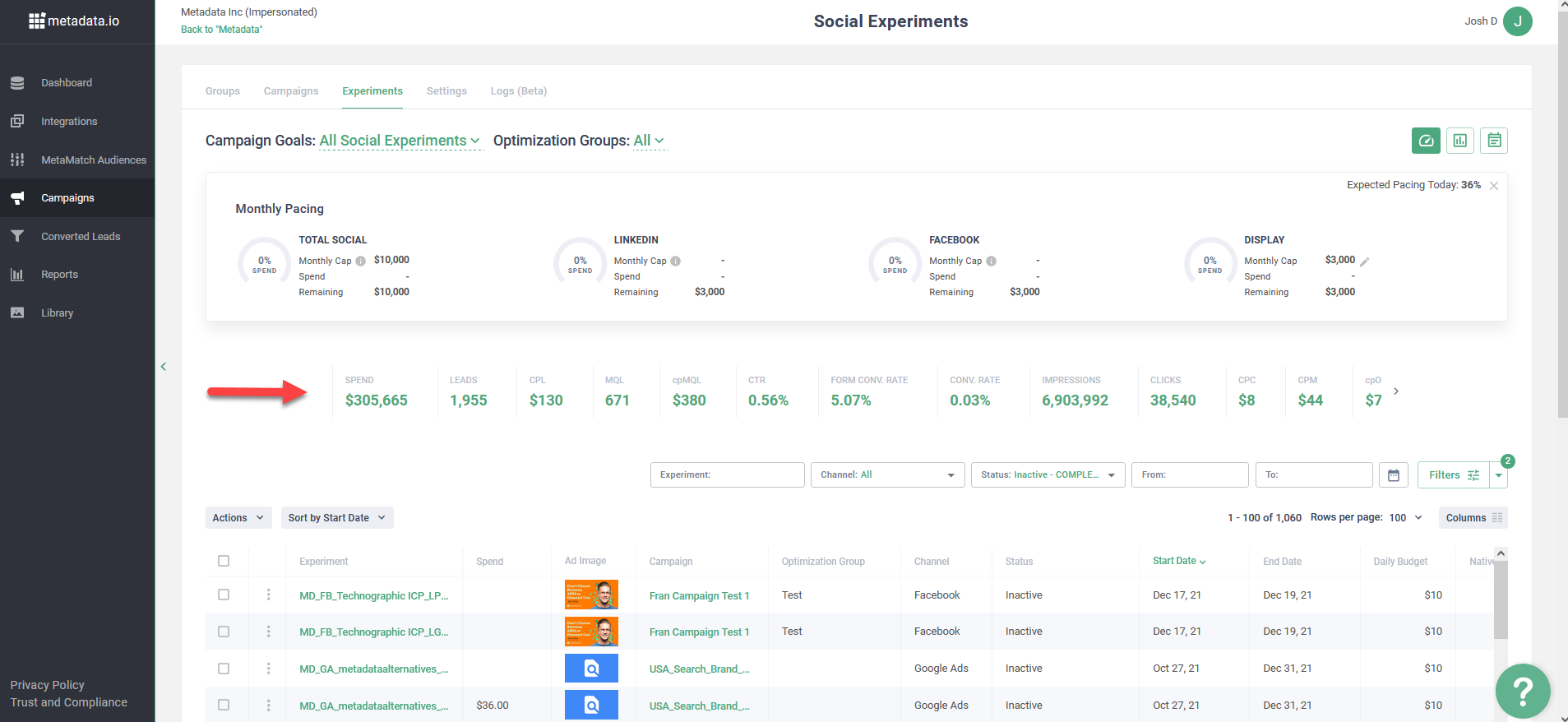
You are able to track the major statistics on your Experiments.
Find out your spending, impressions, leads for different Experiments. It's good to apply specific filters here to have a better picture.
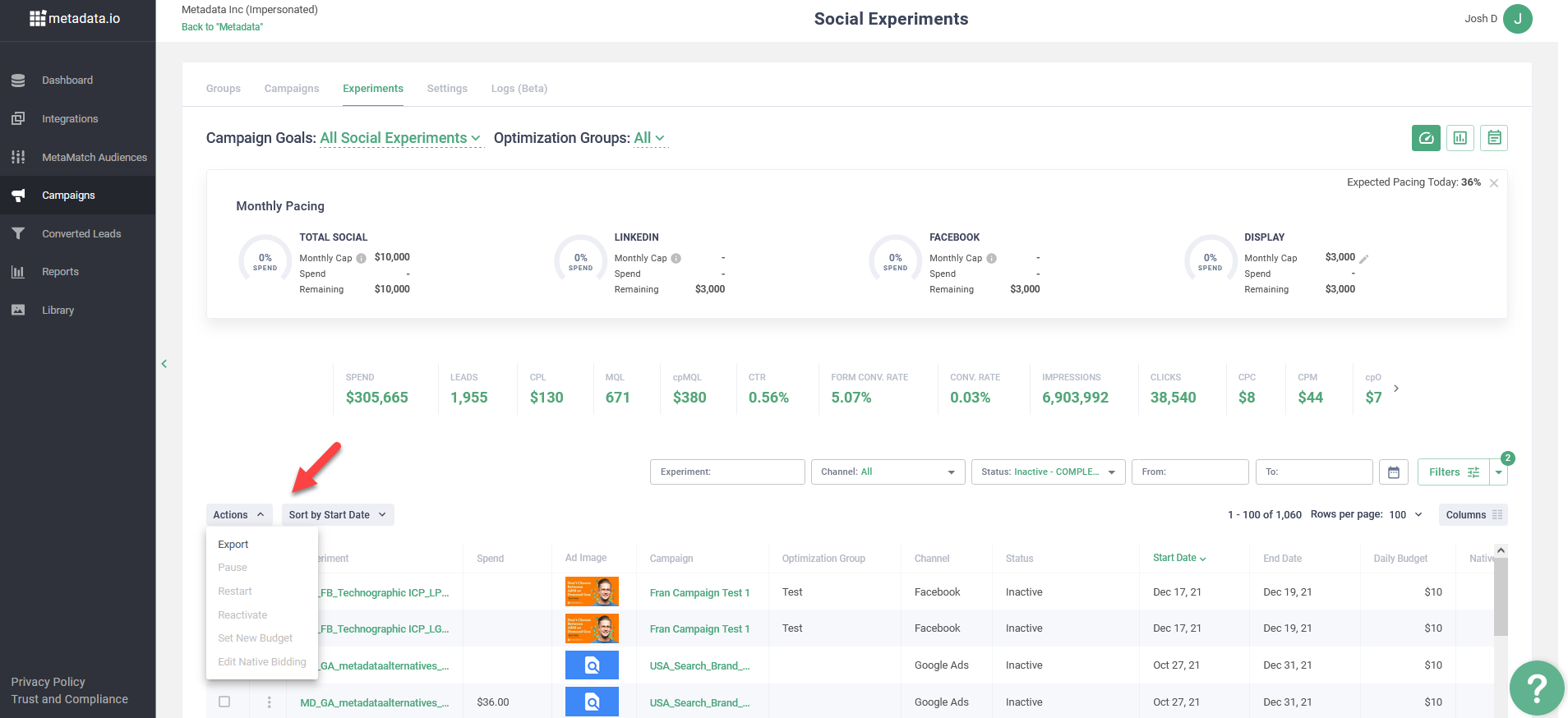
Experiment Actions
There are things you can do from the Actions menu with Active and Paused Experiments:
- Export data to your Email
- Pause/Restart experiments one-by-one or a bunch of them
- Set new budget or bid