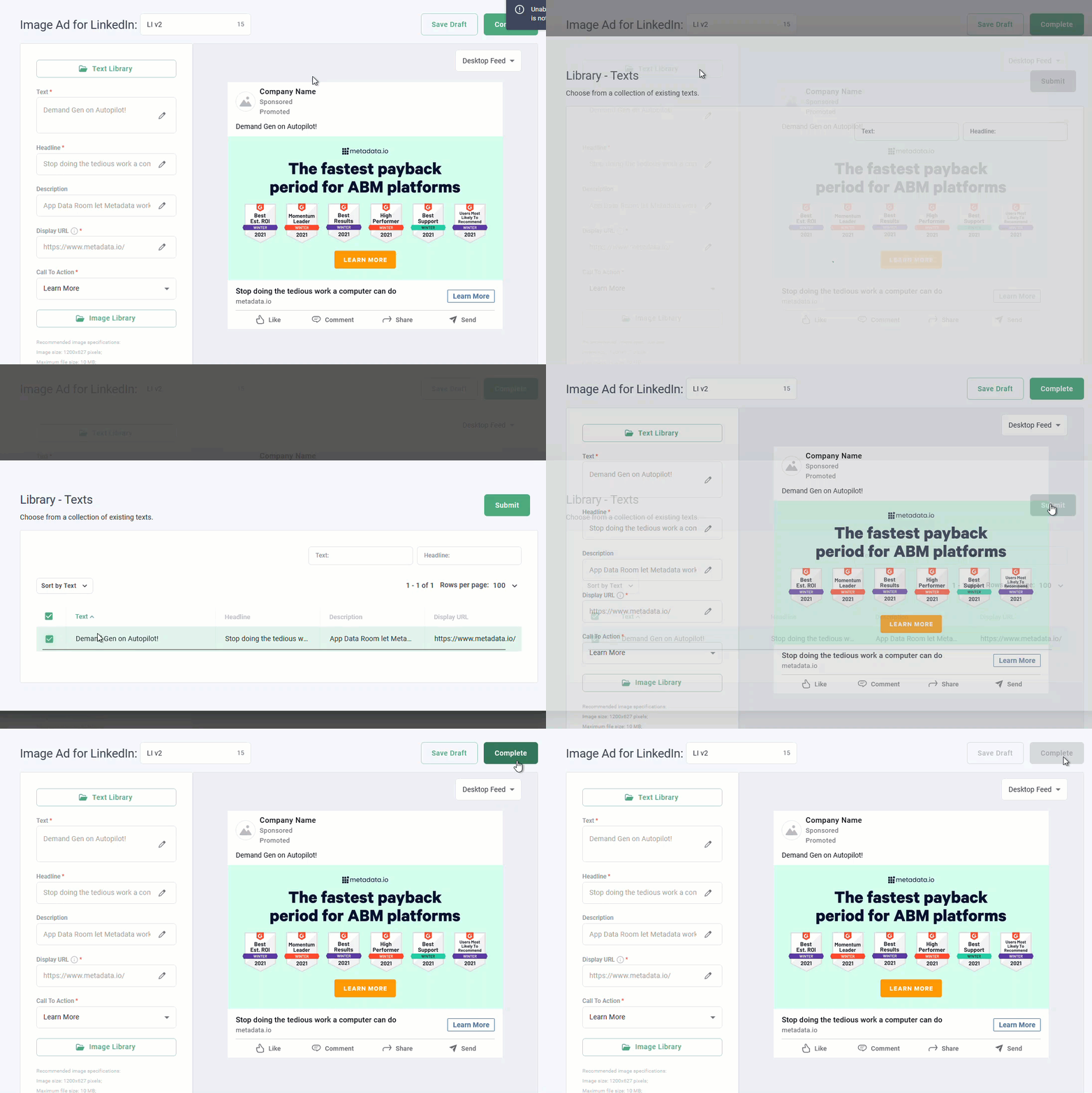
Bulk upload ad text using these steps:
Go to Library > Texts.
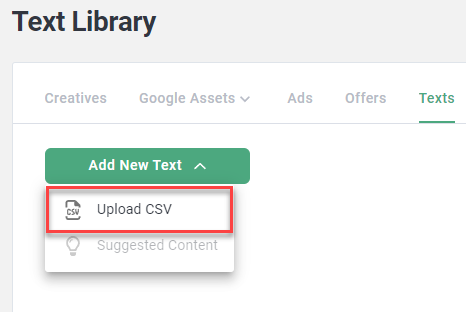
Click Add New Text > Upload CSV.
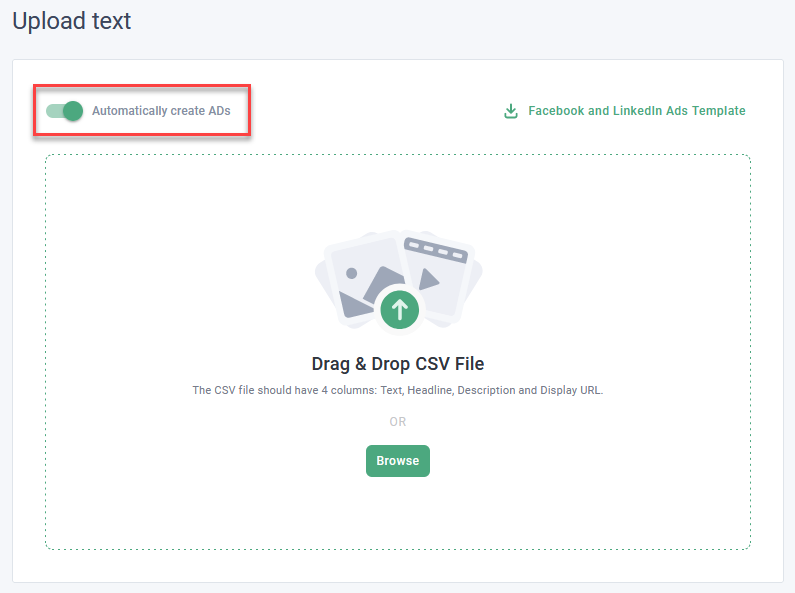
Enable Automatically create Ads depending on your preference.
Note: Enabling this option creates one of each ad type (image, video carousel) across Facebook and LinkedIn for each row of ad text in the CSV template.
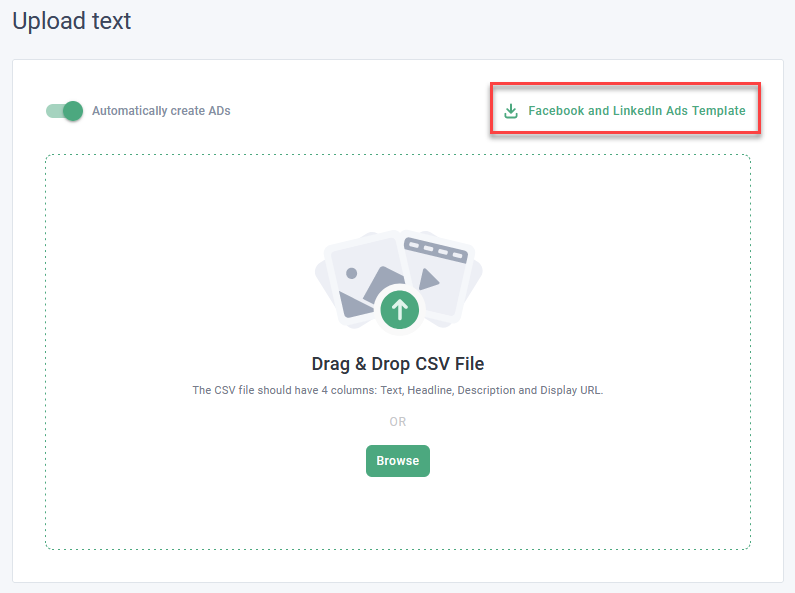
Download the Facebook and LinkedIn Ads Template.
Add ad text in the corresponding columns, and save your changes.
Browse and upload the completed template.
In completing these steps, you can now select from your text library when creating new ads.